A well-designed desk supports better posture habits. Learn key principles for chair height, monitor placement, keyboard position, and more.
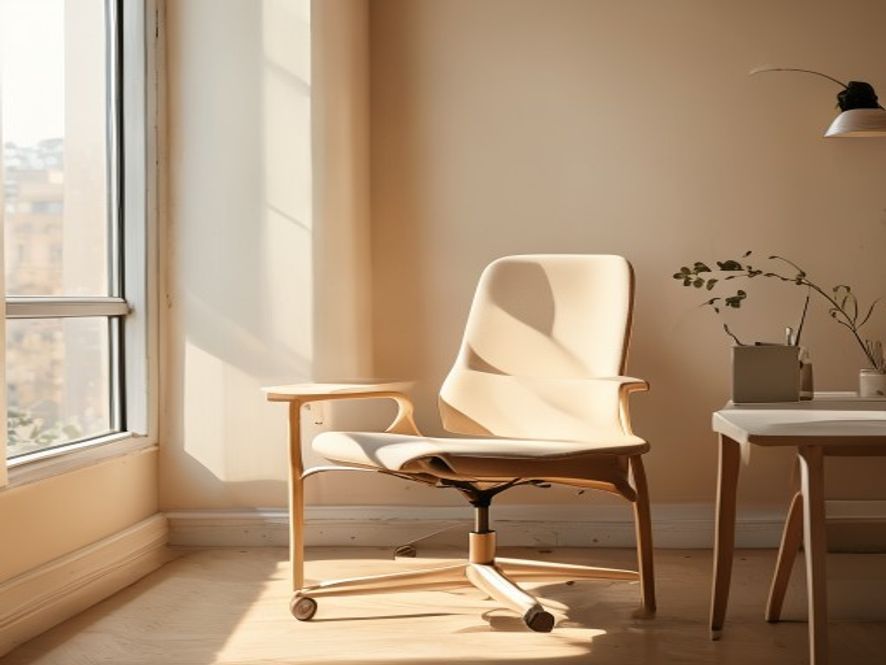
Your chair is your anchor. The right height allows your feet to rest flat on the floor with knees at roughly 90 degrees. Your desk should place your keyboard at elbow height when your arms are relaxed at your sides.
| Element | Positioning Guideline | Why It Matters |
|---|---|---|
| Monitor | Top of screen at or slightly below eye level, arm's length away | Reduces neck strain and forward head posture |
| Keyboard & Mouse | At elbow height, close to your body | Prevents shoulder and wrist tension |
| Document Holder | Between keyboard and monitor if typing from paper | Reduces excessive head turning |
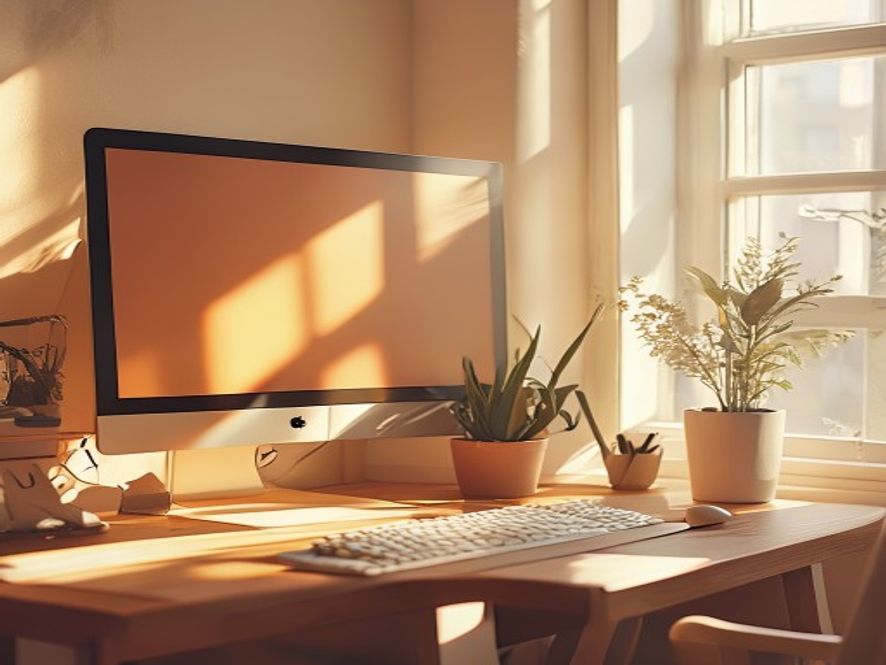
| Lighting | Natural or indirect, minimal glare on screen | Reduces eye strain, discourages forward slouching |
| Footrest (if needed) | Supports feet if they don't reach floor naturally | Ensures proper leg and knee alignment |
Ergonomic setup is only half the story. The other half is movement. A perfect desk won't prevent postural fatigue if you sit still for eight hours straight. That's where our micro-break practices come in.
Use this to evaluate your current setup. Tick off items that already work, note areas for improvement.
A strong workspace foundation combined with regular micro-breaks creates the ideal setting for postural habit change. Schedule a consultation to discuss your specific workspace and receive tailored recommendations.